LG TV
Work in progress to make a 2011 LG TV a bit less annoying. Turn off the bloat and make it more useful, using a Raspberry Pi in the house rather than anything inside the TV.
Why
It is a perfectly good 1080p panel with a smart-TV platform that LG shut down years ago. Its Home screens are slow and mostly dead, and the set nags. A Chromecast already handles the media, so I did not want a newer smart TV, just a calmer and more useful one.
What works so far
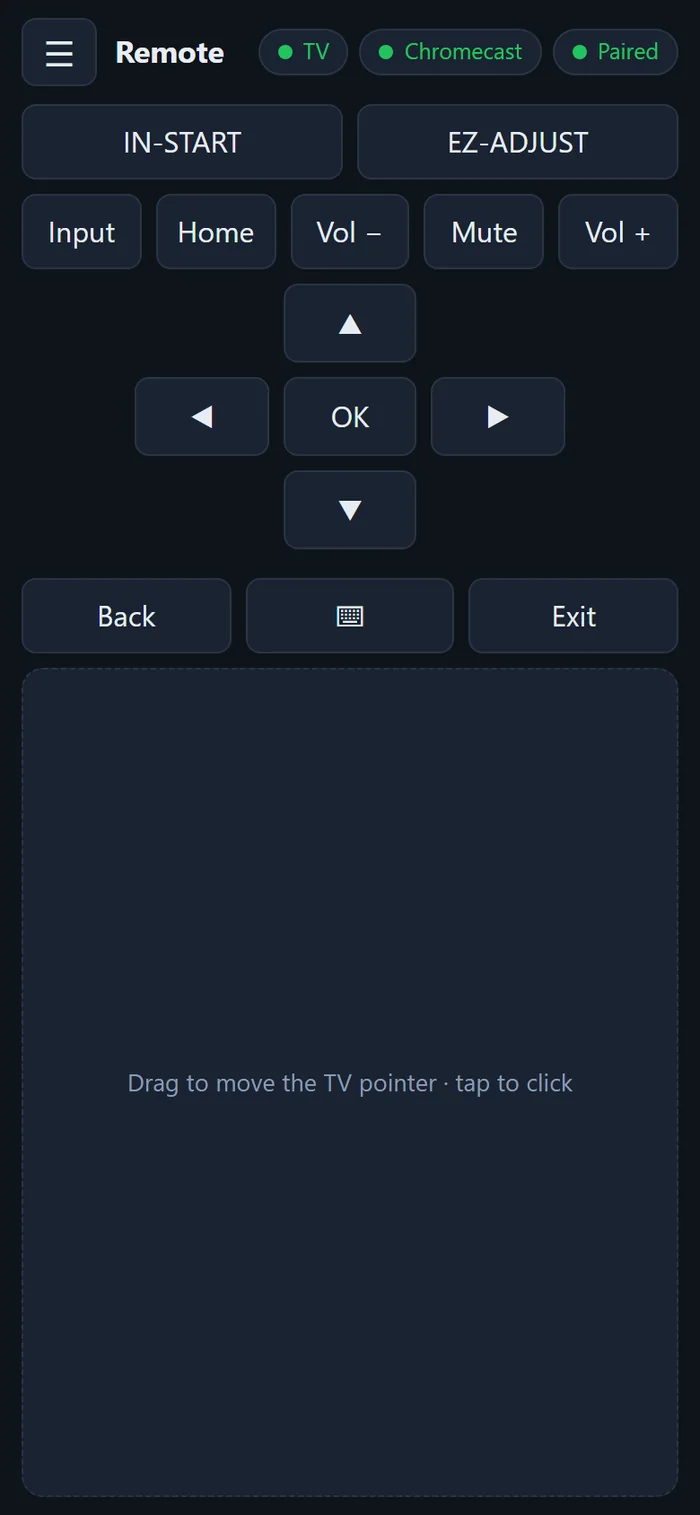
- Phone as a remote: a web page on the Pi that installs on a phone's home screen. It has the usual keys, a touchpad that moves the TV's own pointer, a keyboard that appears when a text field opens, recordable macros and a log of what the TV reports. Optional buttons open the hidden service menus.
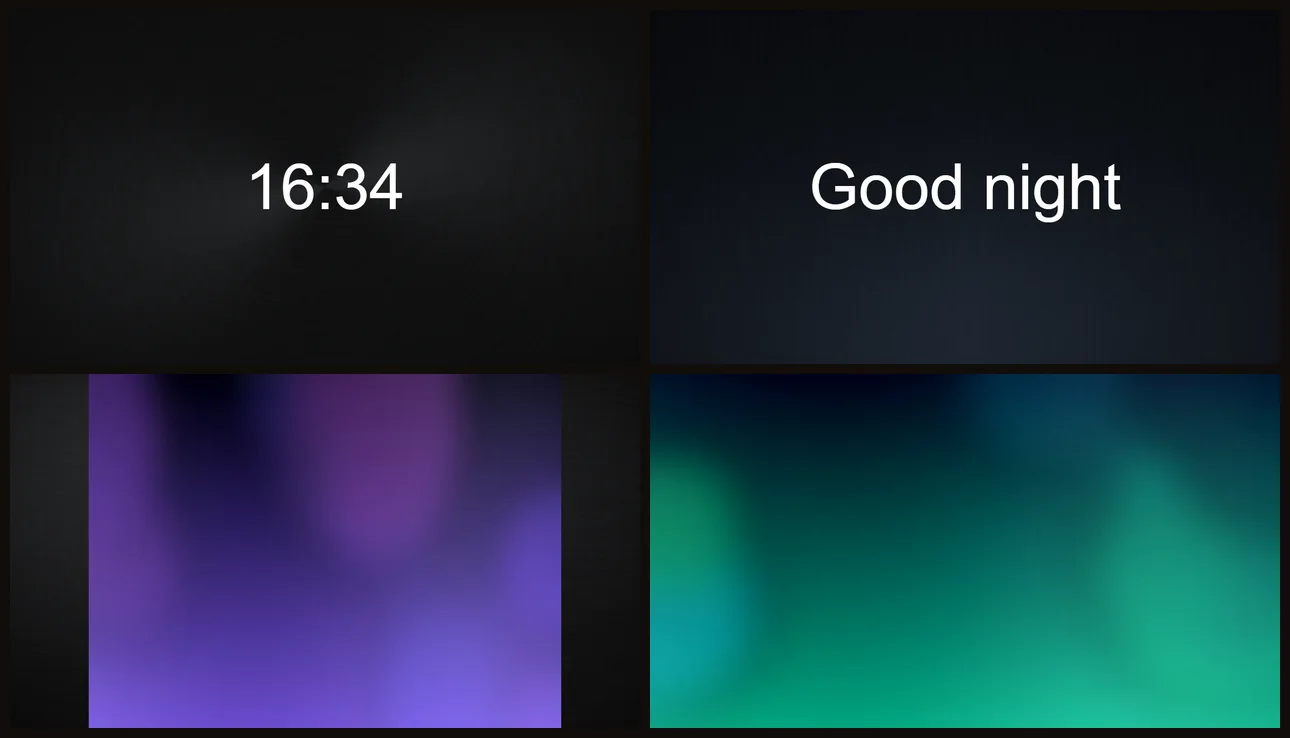
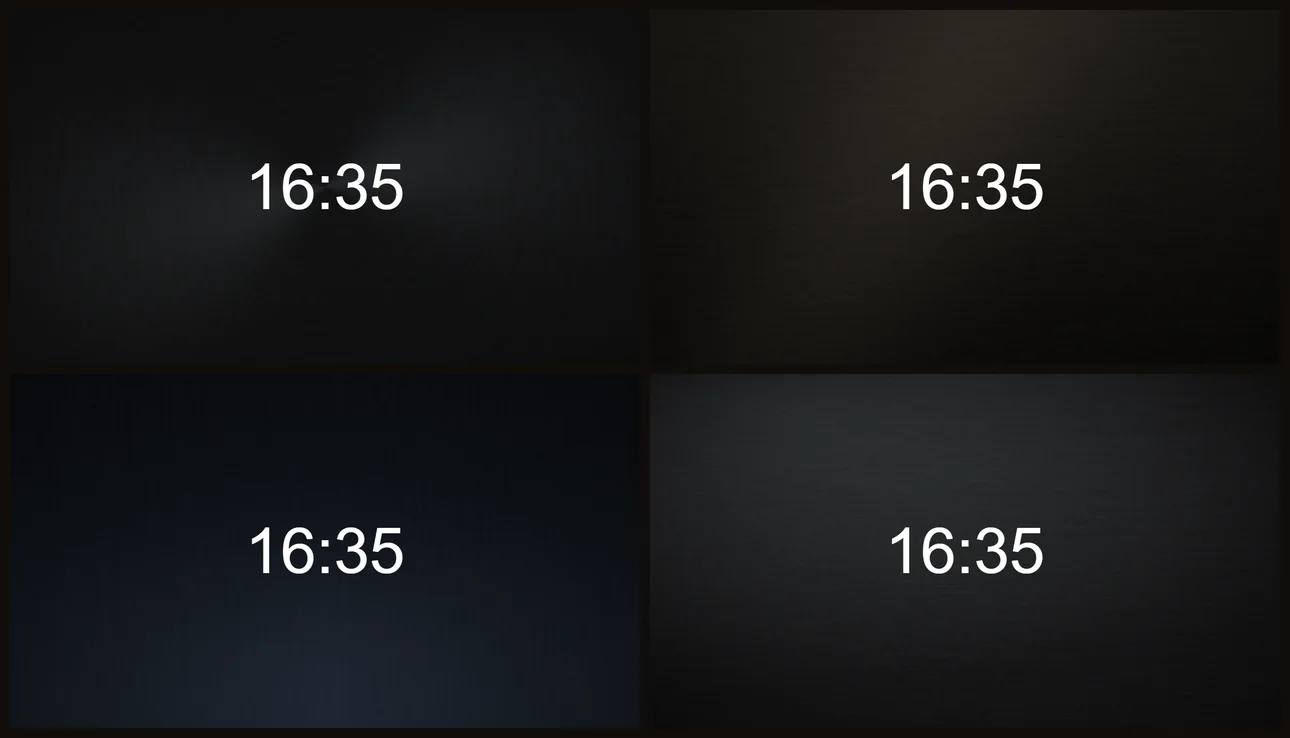
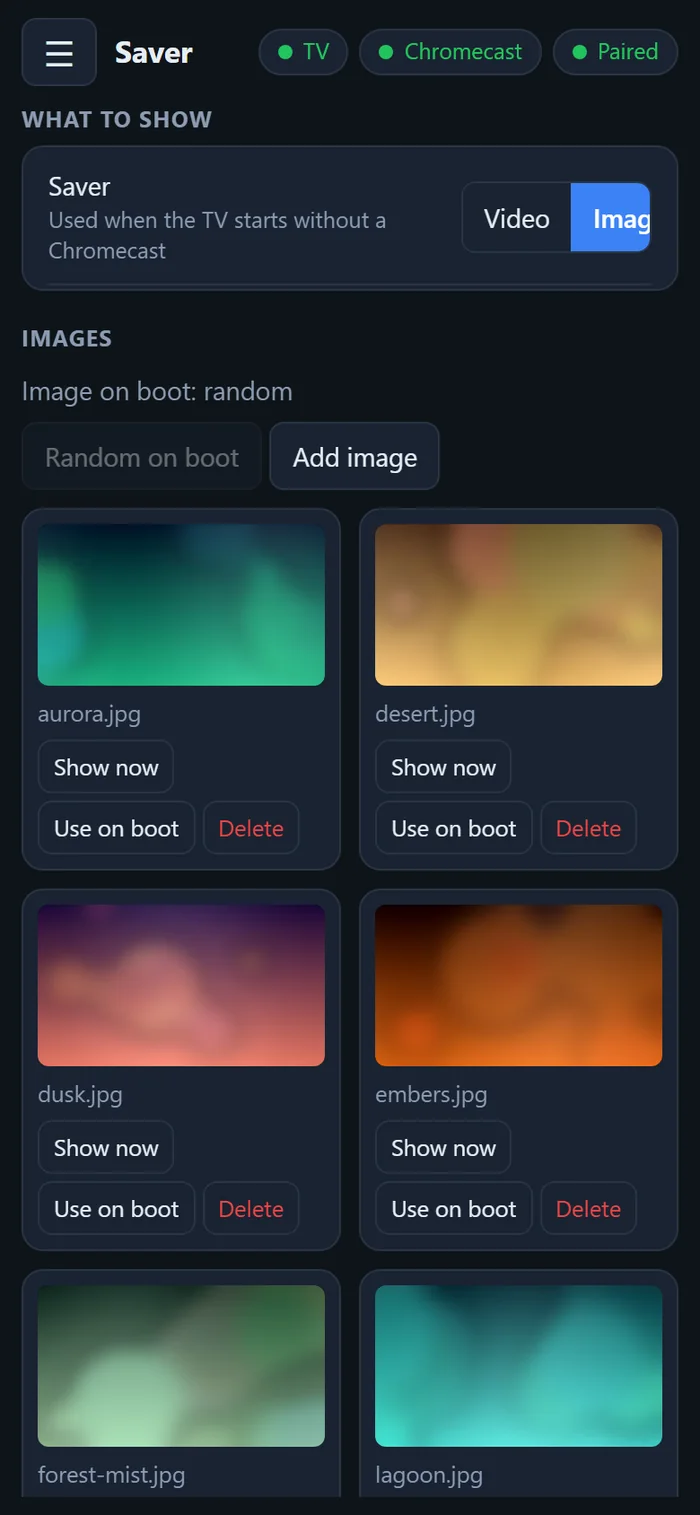
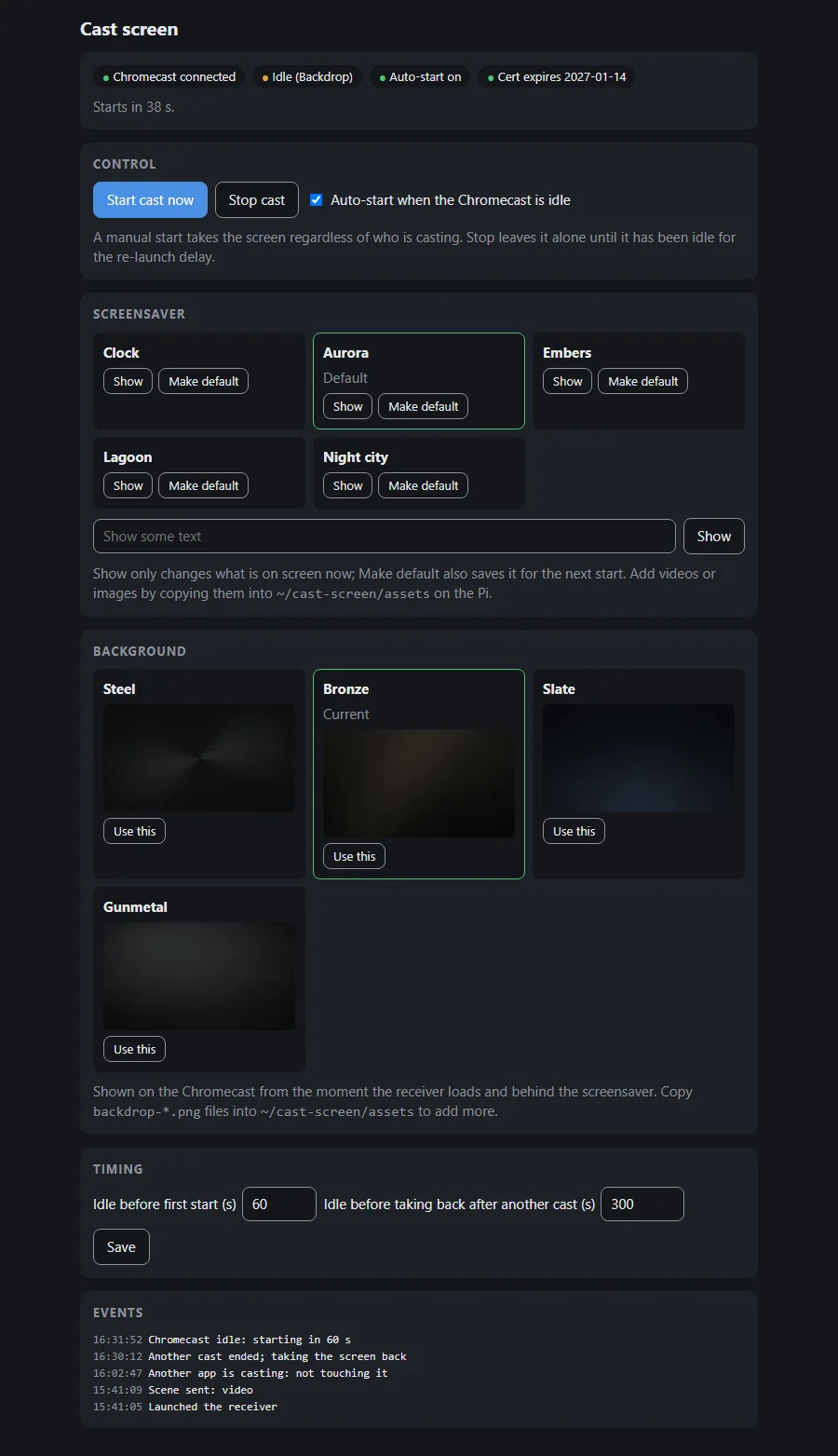
- Custom screensavers: when the TV is on and the Chromecast is not, the Pi puts a looping video or a still on the screen, over the network, and hands it back as soon as the Chromecast takes over. Videos and pictures are uploaded from the phone. A second version casts a page of scenes and backdrops to the Chromecast instead.
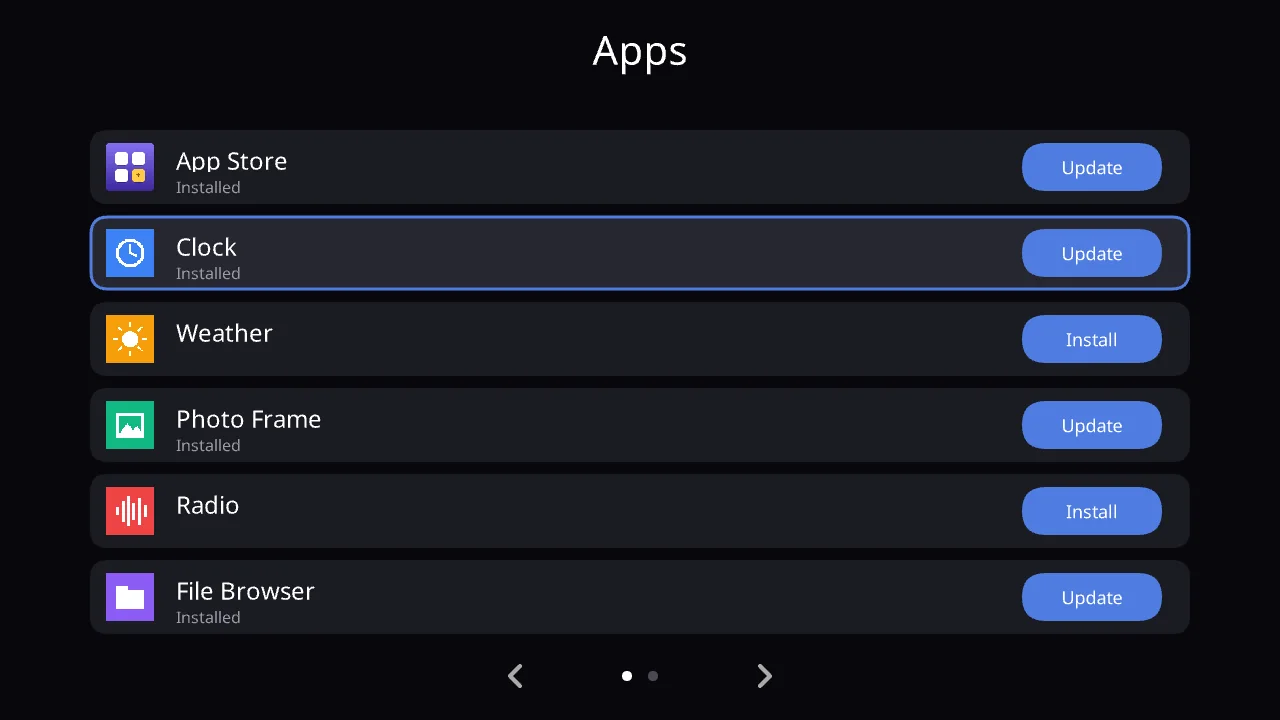
- Custom app store: LG's own store no longer works, so I wrote a replacement, a small Flash app that runs on the TV. It shows a grid of apps from a catalogue on the Pi and installs or updates them in the TV's internal storage, so no USB stick is needed. It is for sideloading my own apps.
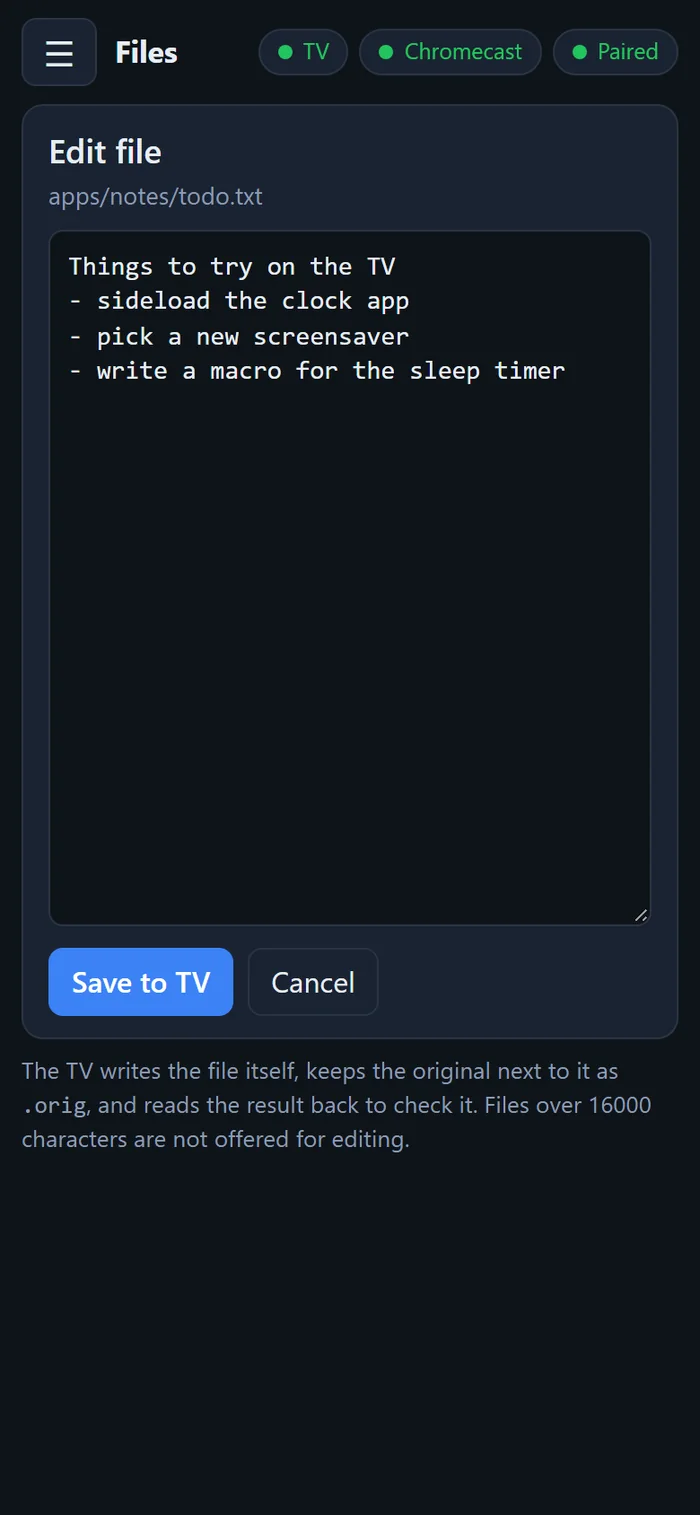
- File editing from the phone: the TV has no keyboard, so a file browser app on the TV hands a file's text to the phone to edit and saves it back.
- Less nagging: the no-signal auto-off and the screensaver cube are switched off in the service menu. Both can be undone.
Next
Getting a serial console on the TV's debug port, which is the only route to replacing the Home dashboard with the plain setup menu. The parts are on order.
Under the hood
- The Pi runs small Python services using only the standard library, since it is too old to compile much. The TV takes commands over a simple HTTP interface and a binary UDP remote that also does the pointer and the text entry.
- Screensavers use DLNA. An endless video is served to the TV as one enormous file that it reads in ranges from a rolling buffer, with ffmpeg copying the stream rather than encoding it. The Chromecast version speaks its control protocol directly.
- The Pi also answers the DNS and web requests the TV still makes to LG's retired servers, which is how the replacement store and its catalogue reach the TV. It was built first as a way to see what the TV asks for.
- The store is ActionScript compiled to a SWF, using the same install calls as LG's own.
- A notes file separates what is verified on this TV from what is only reported by others, and a recovery runbook rebuilds the working state from scratch.
Reverse engineering of my own TV. Apart from reversible service-menu settings, the TV is unmodified. Screenshots use invented data and generated placeholder images; the app store is the real app running in an emulator with a made-up catalogue.