Dogear
A minimalist e-reader setup: a shared library of books, a native Android reader and a sync plugin for a Kindle that is out of support. It scratches a few itches I had, and it keeps a perfectly good device out of the bin.
Why
The Kindle no longer gets updates and would otherwise end up as e-waste. A jailbroken Kindle running KOReader is a good reader, but it has no library of its own. Dogear adds one: books I own, kept in one place, sent to whichever device I want them on, with reading progress and bookmarks that follow me between the Kindle and the phone. No store, no account with a vendor and no extra apps.
What it does
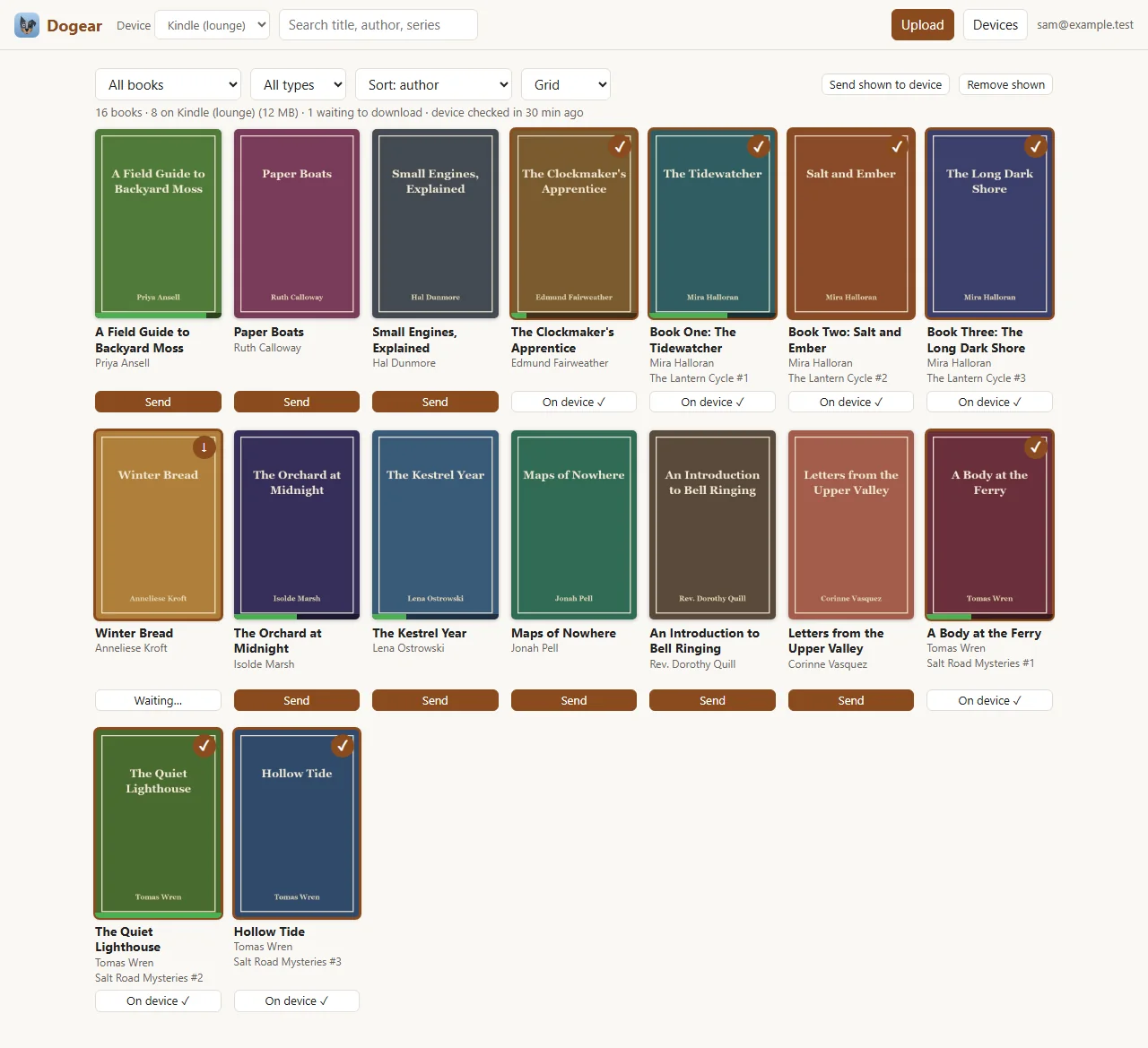
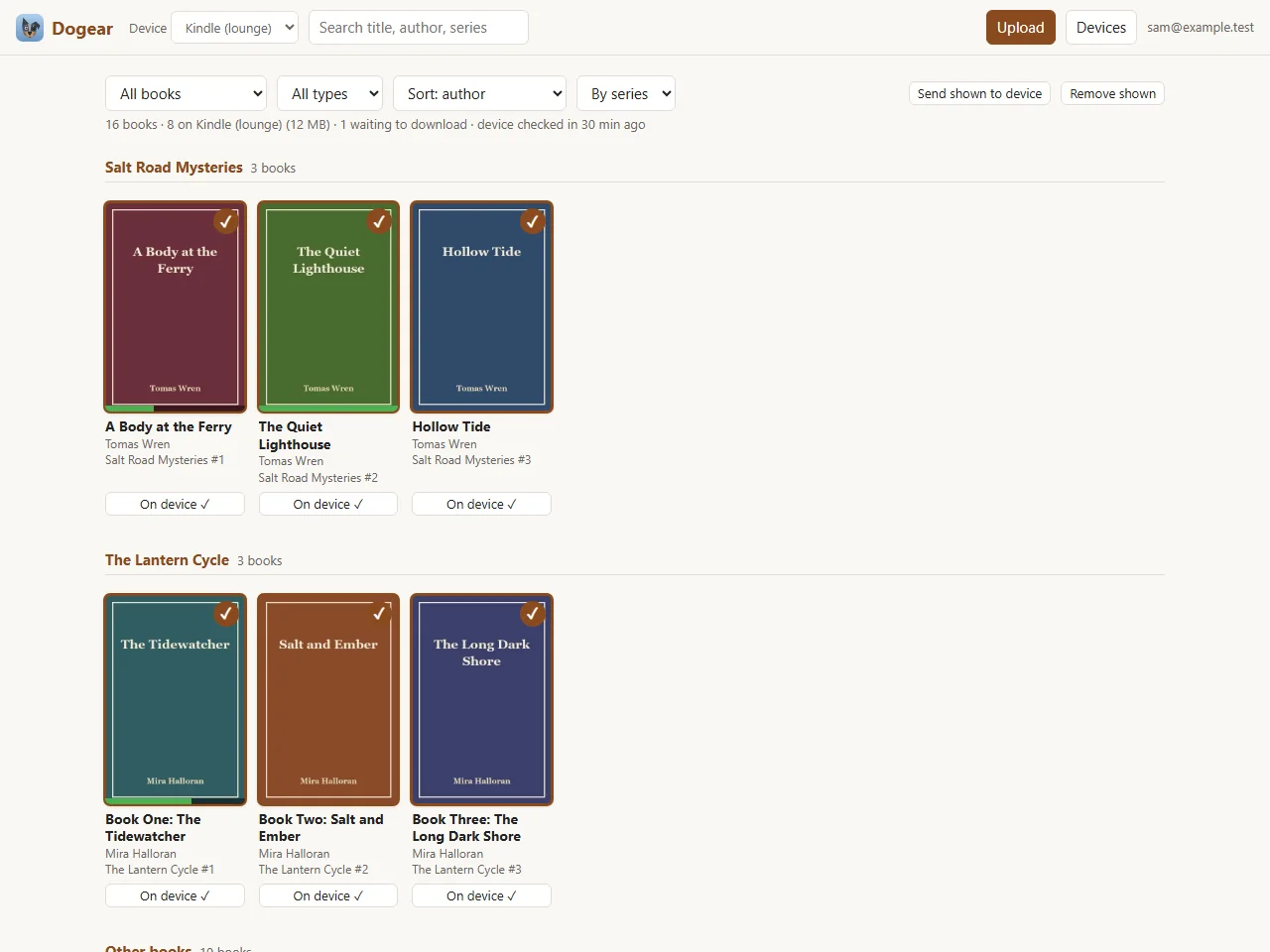
- Web library: search, filters by file type or read state, a by-series view, upload, cover changes, and a Send button per book and device.
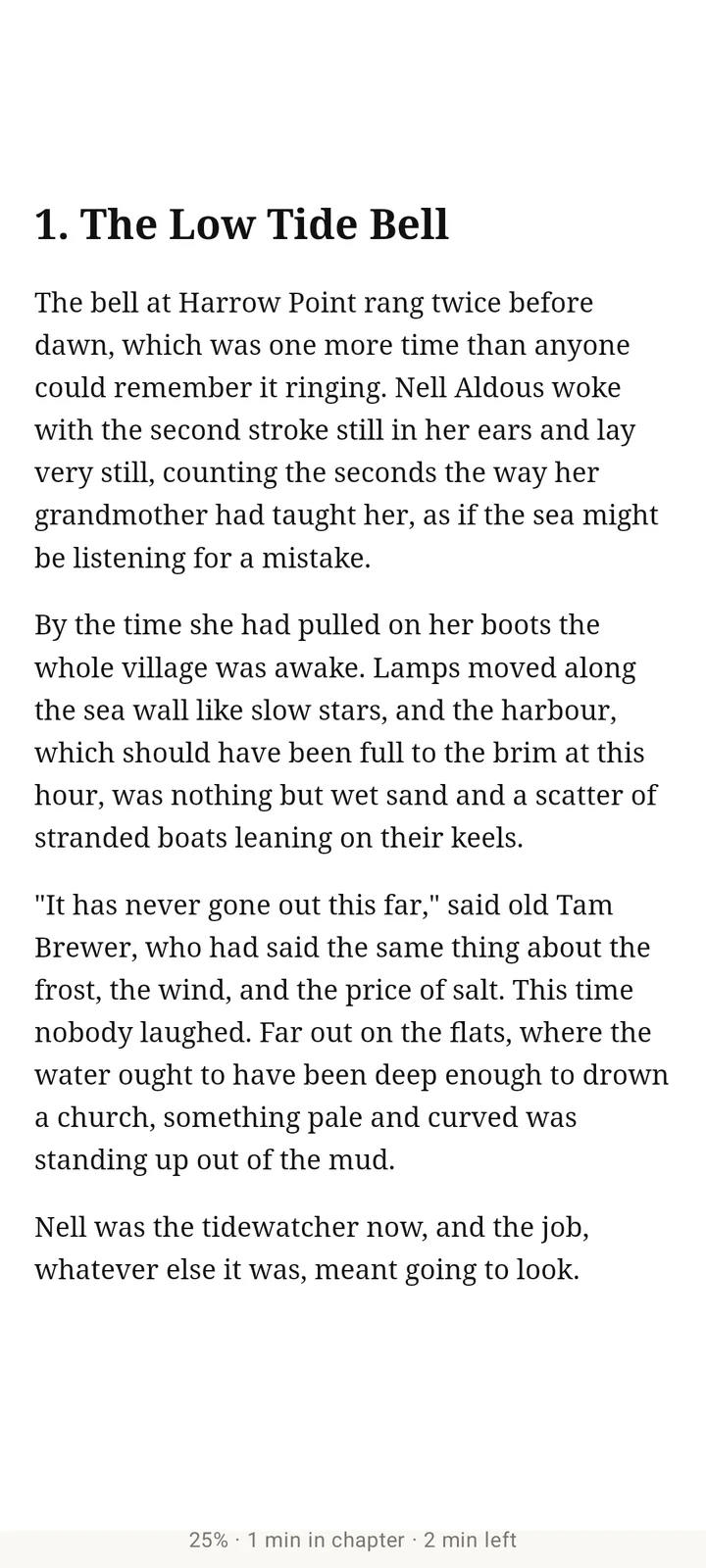
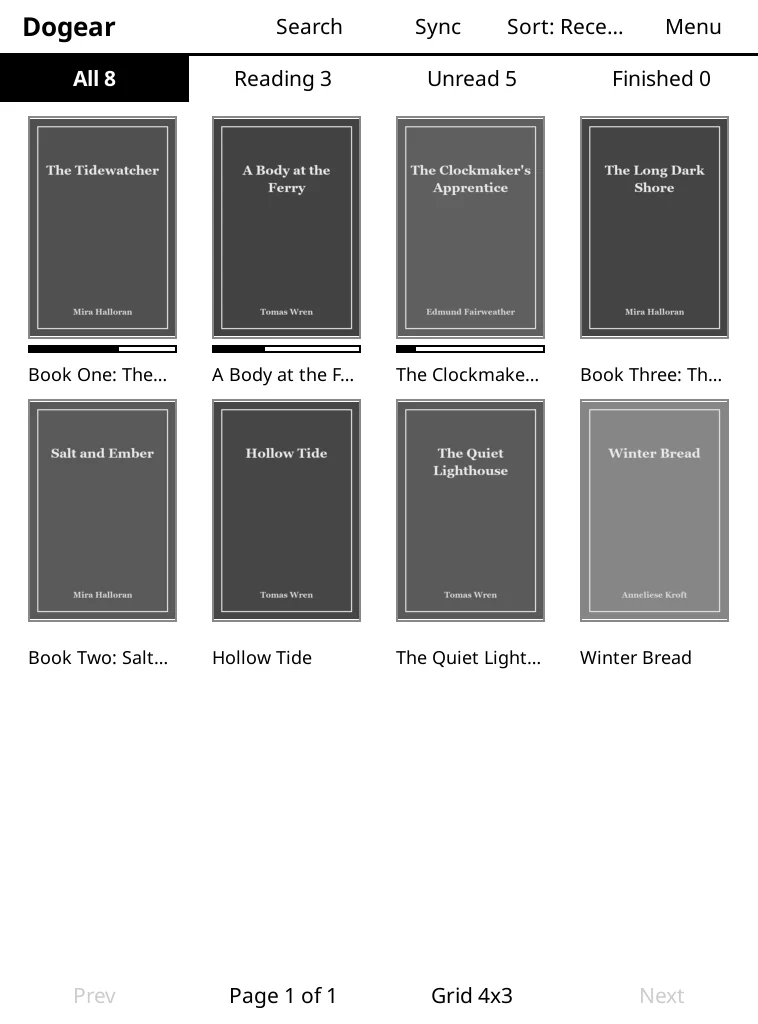
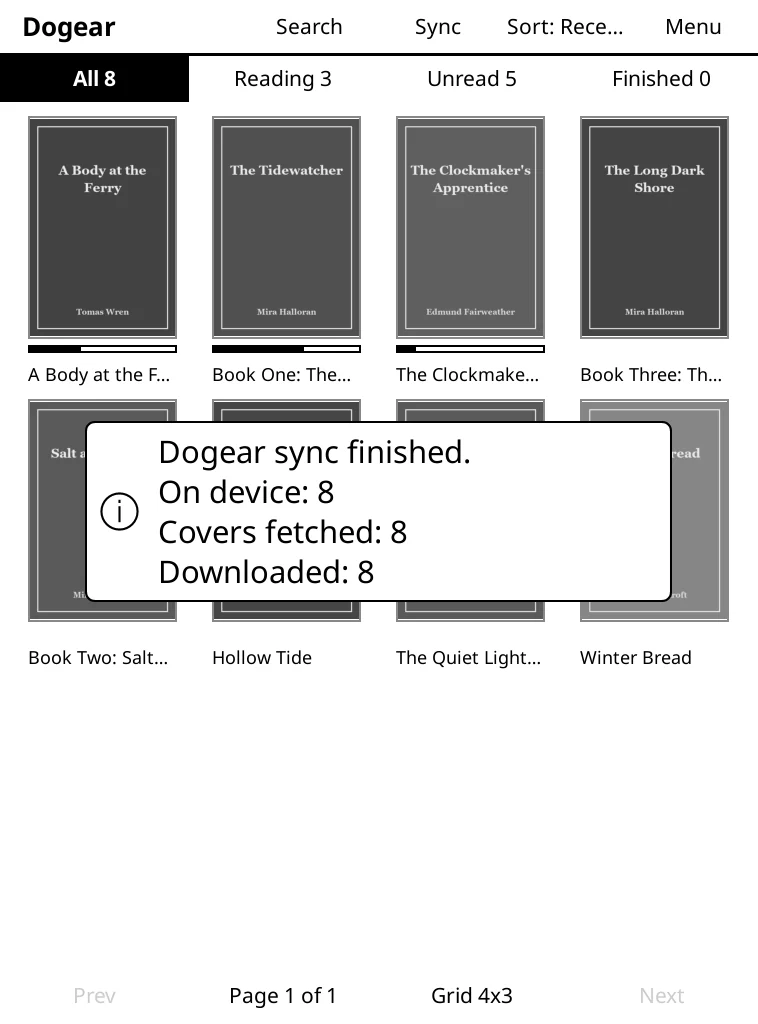
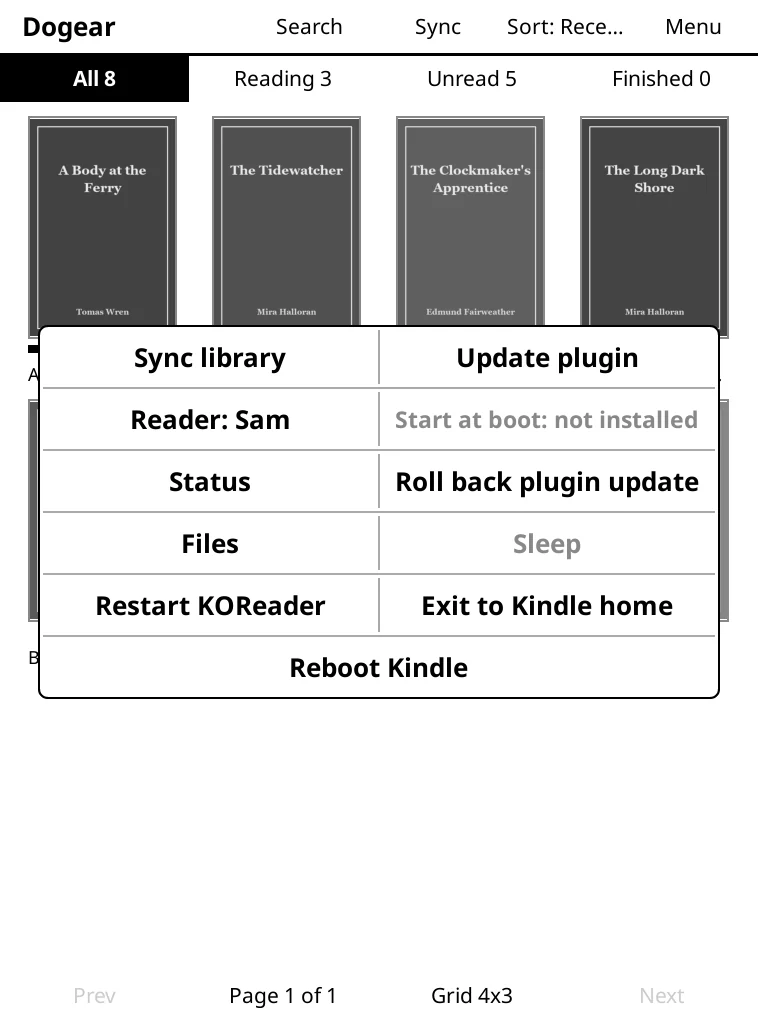
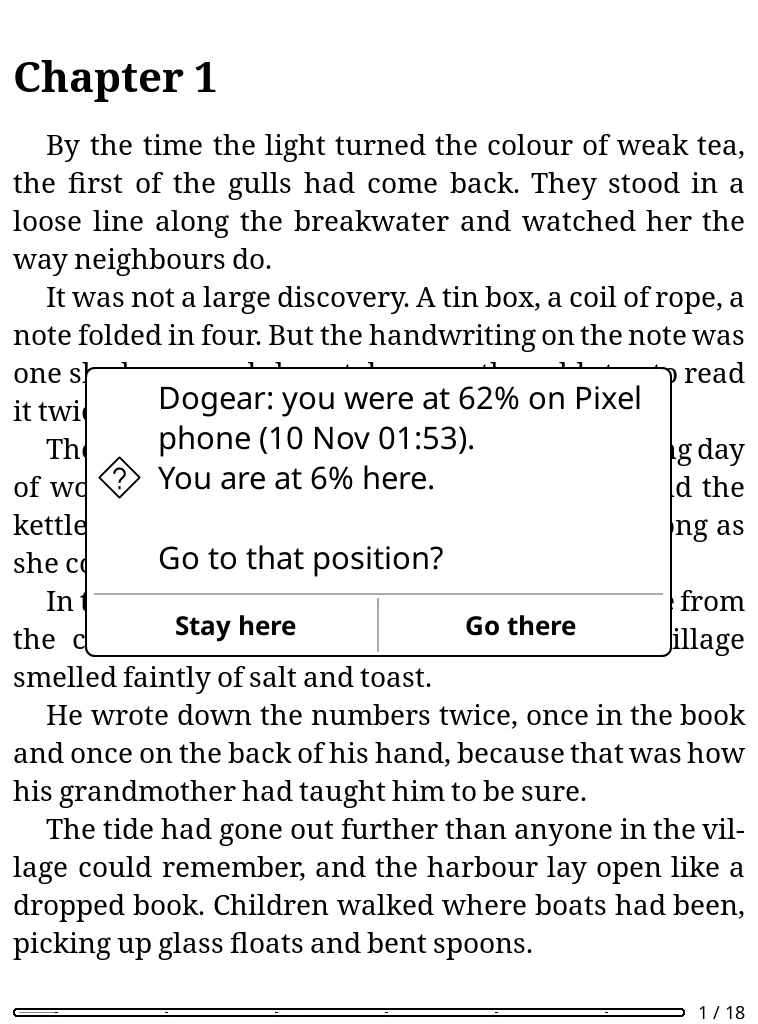
- Kindle: a KOReader plugin that downloads the books chosen for it and syncs progress and bookmarks. It never turns Wi-Fi on by itself and only checks in when the library is opened or Wi-Fi connects.
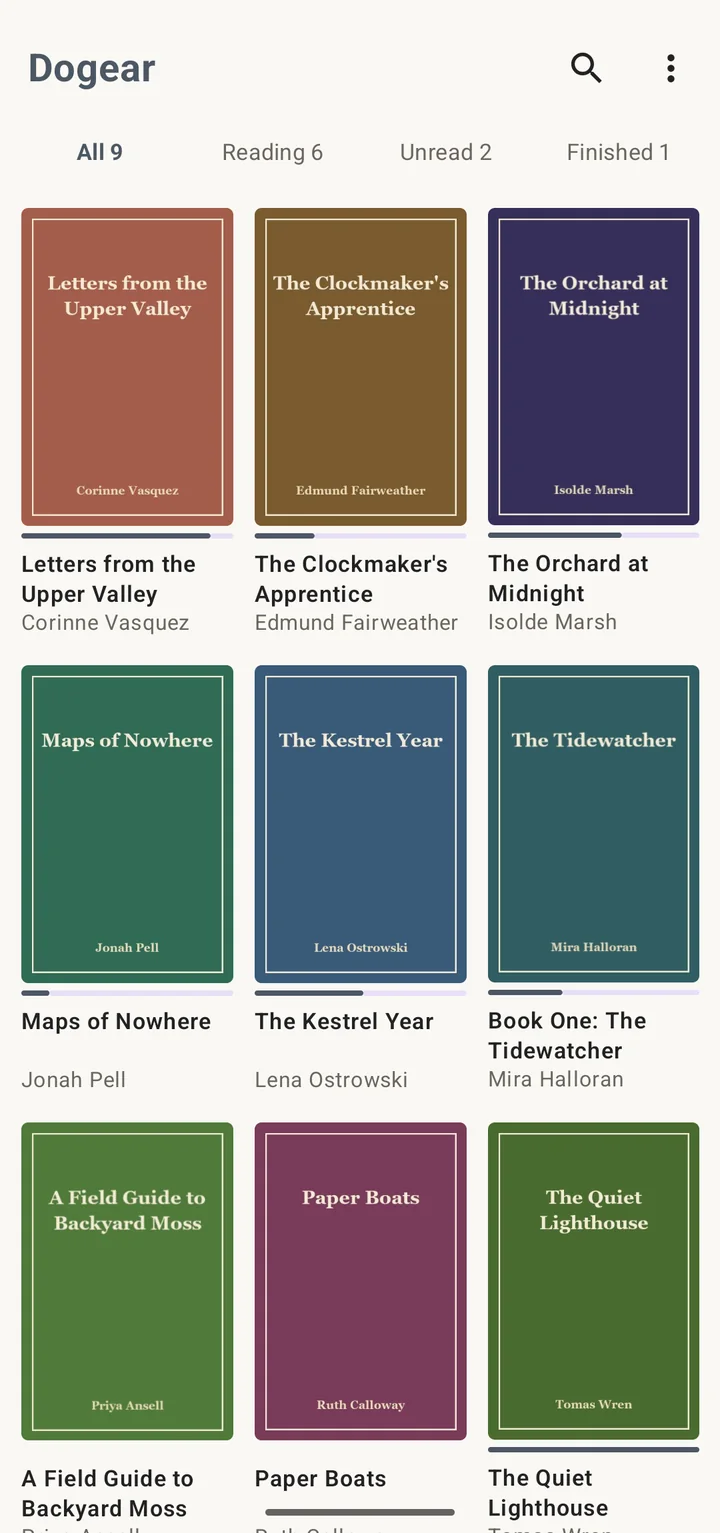
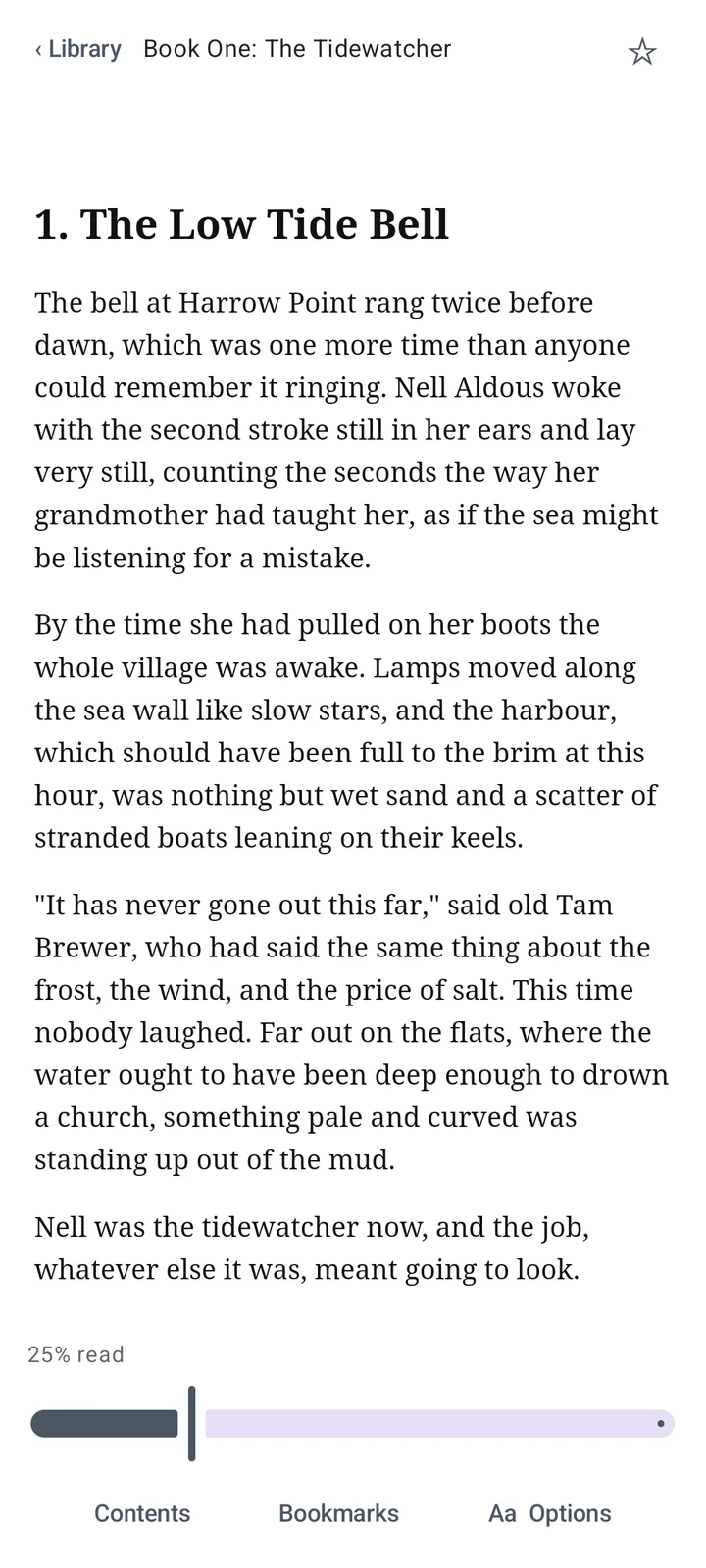
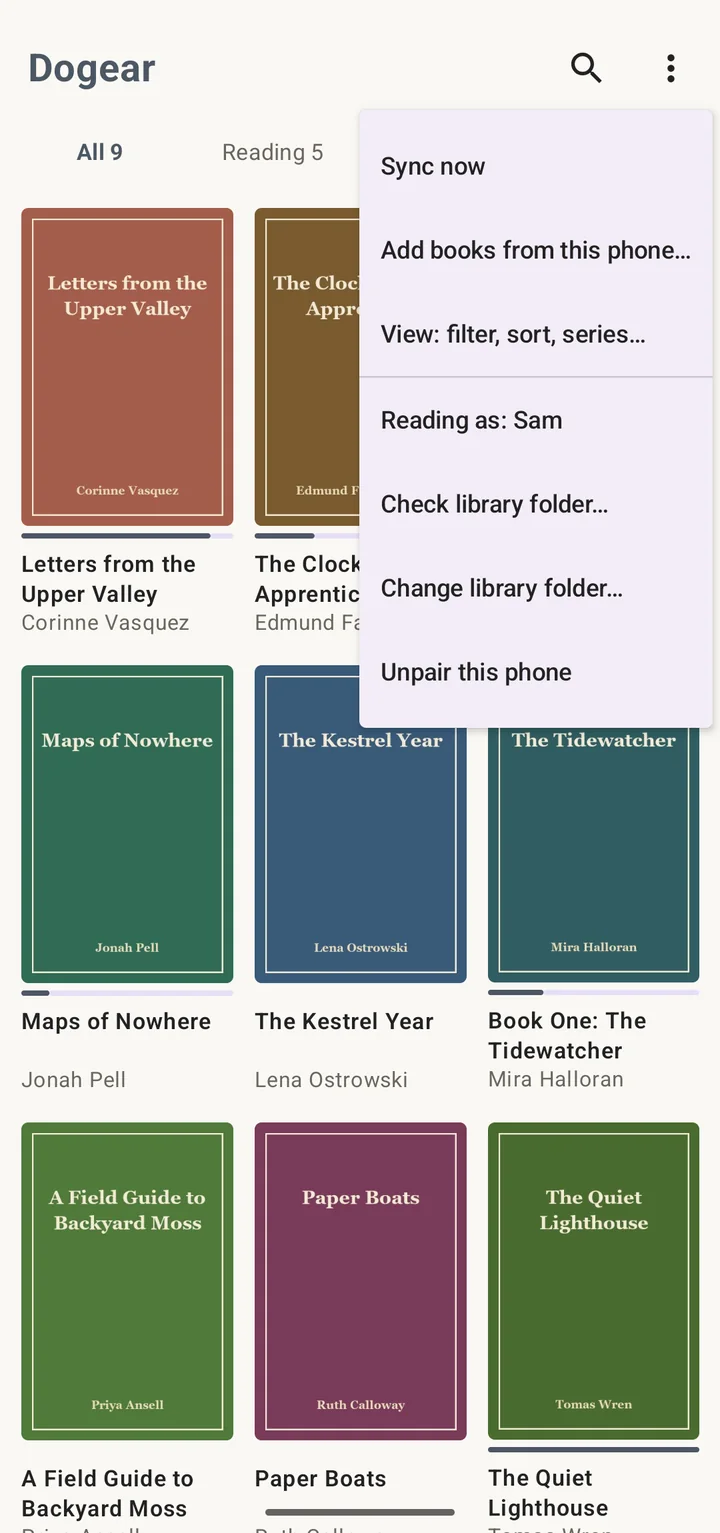
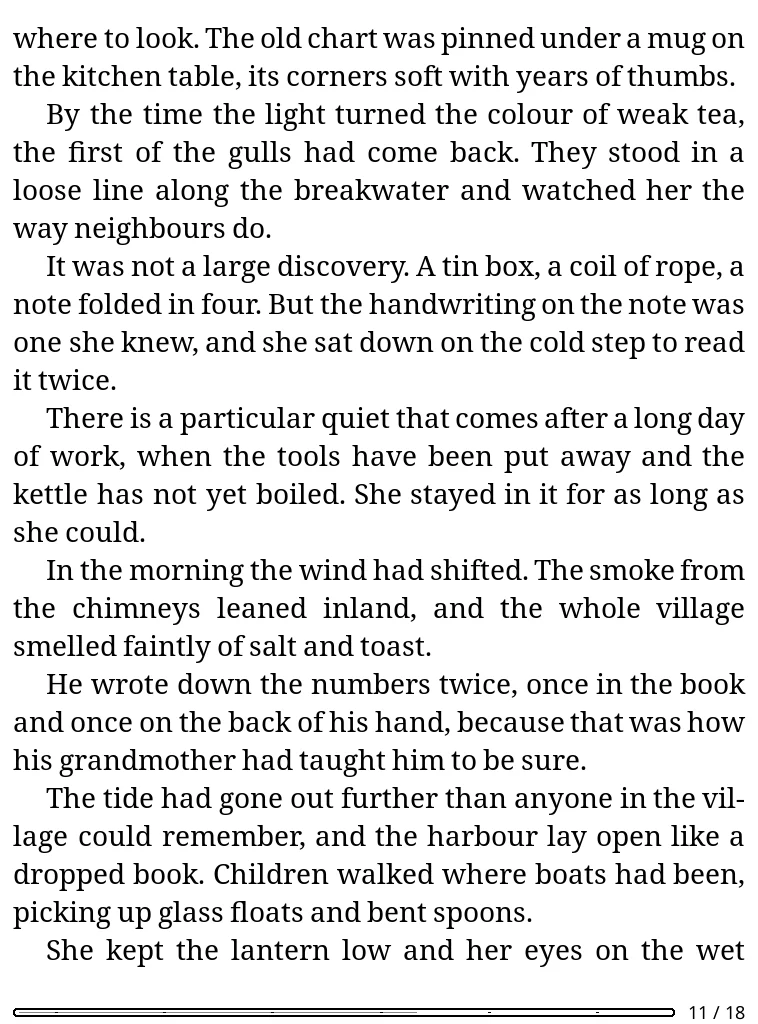
- Android: a native reader for EPUB and PDF. A QR code on the web page pairs the phone, and the app keeps its books folder in step with the library.
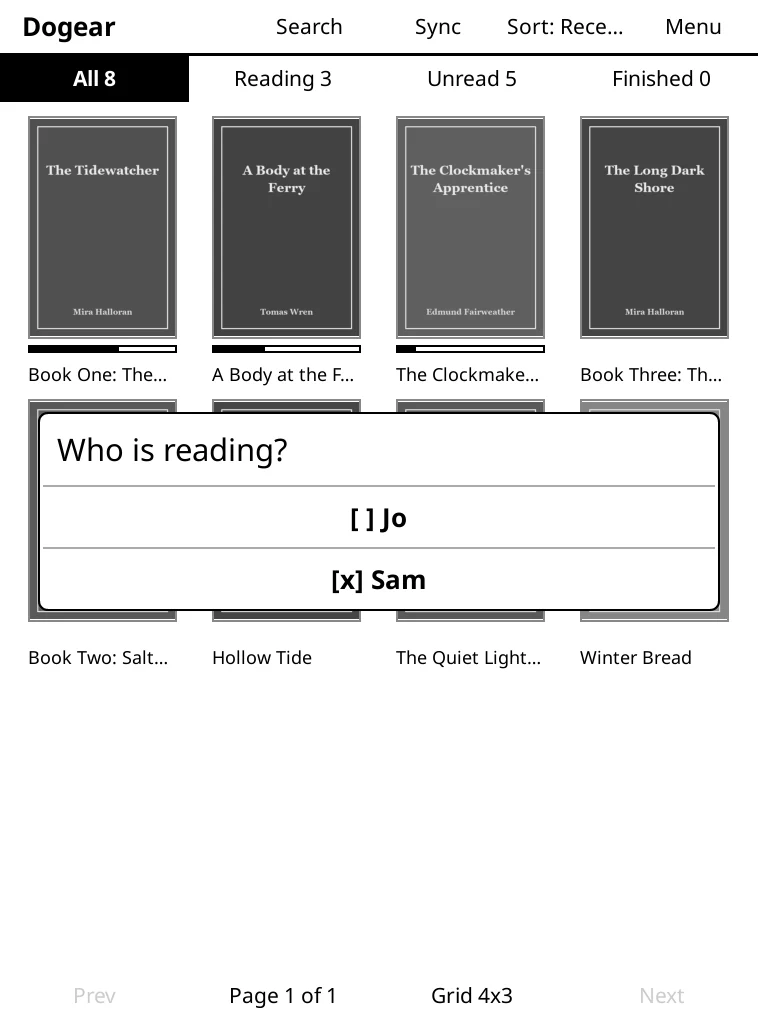
- Progress per person: each reader has their own place in a book, so a device is told who is reading.
- Import: scripts bring in an existing Calibre library and add single files with the title and cover read from the file.
On the phone
On the Kindle
Under the hood
- Two Cloudflare Workers share one codebase. One serves the web page behind a login. The other serves devices, which cannot do a browser login, using a token per device of which only a hash is stored.
- Books and covers live in R2, named by a hash of their contents, with the catalogue and progress in D1.
- API first: the web page and every device use the same JSON API, plus an OPDS catalogue, so a new kind of device needs no server changes.
- The Android app is Kotlin and Jetpack Compose with Readium for rendering. The Kindle plugin is written in Lua.
A private tool for my household, and the source is not public. Screenshots are the real web page, Android app and Kindle plugin (in the KOReader desktop emulator) running against a local test copy with invented books, covers and people.